The Minecraft bed messages, in the exact spot
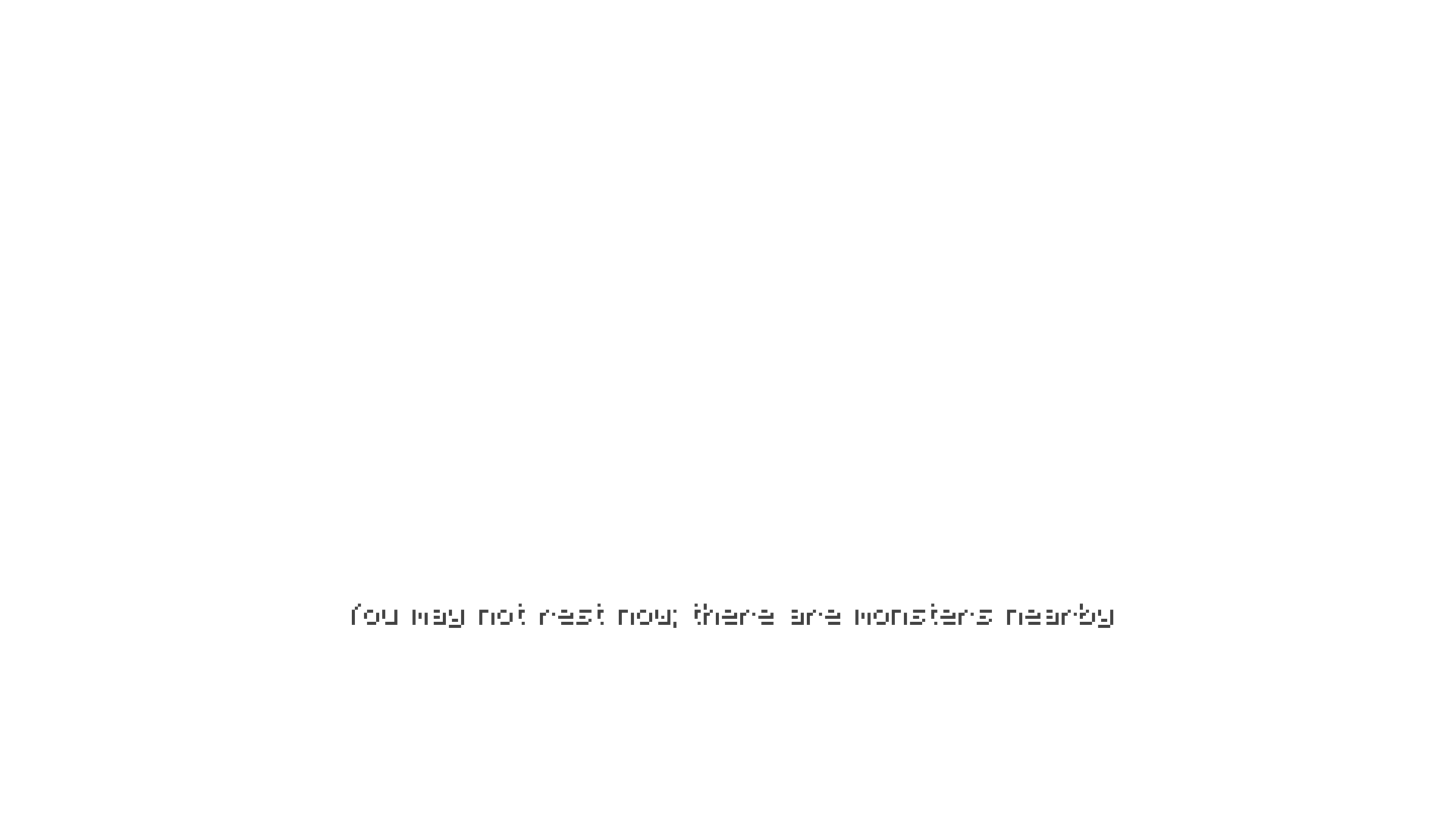
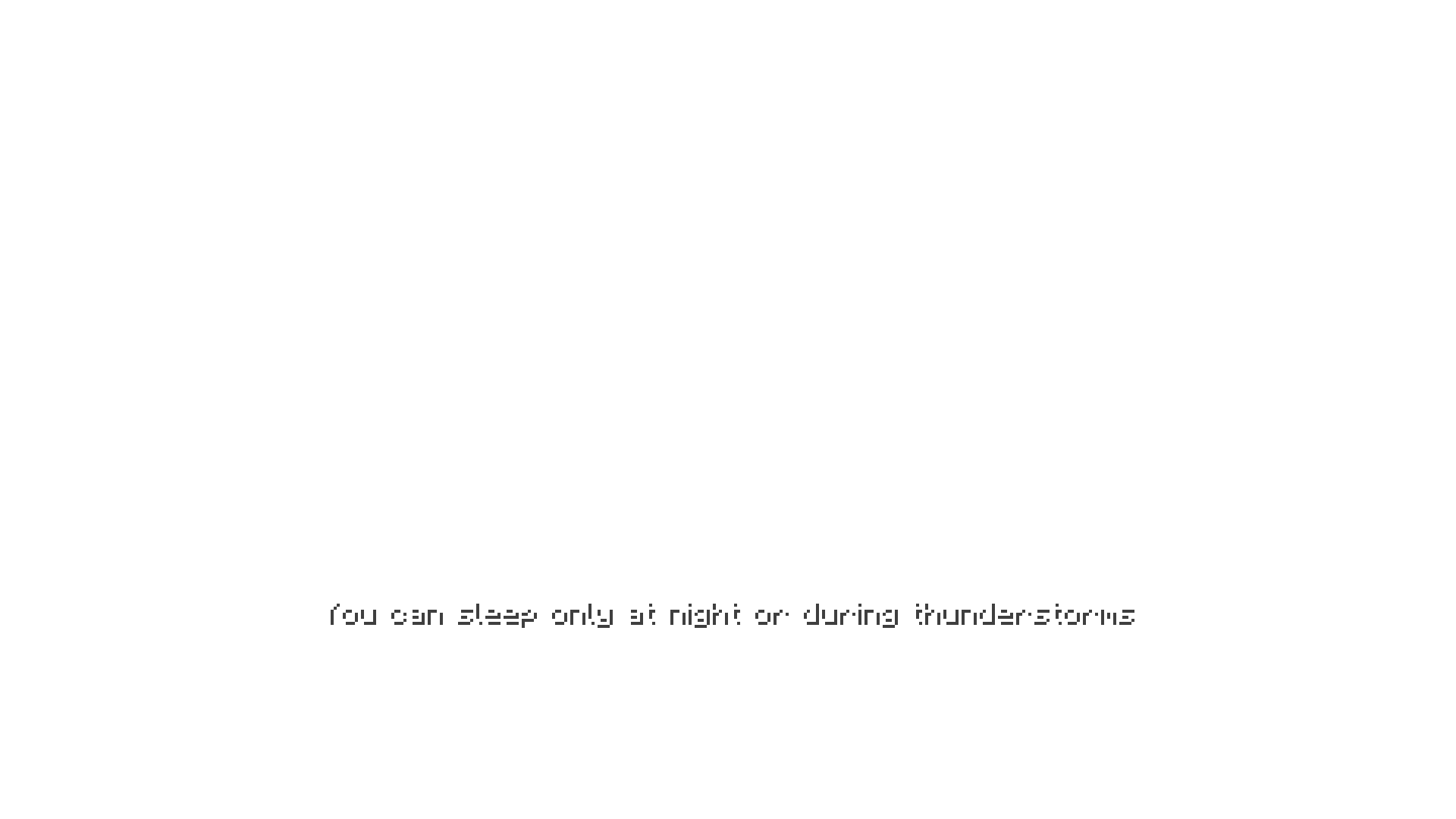
When you right-click a bed in Minecraft and it won't let you sleep, the reason pops up in white text just above your hotbar. The two you see the most are "You may not rest now; there are monsters nearby" and "You can sleep only at night or during thunderstorms".
Both PNGs here are full 1920x1080 frames with the text already where the game draws it, so you drop the file on top of your footage and you're done. No sliding it around trying to eyeball the hotbar. The text is the game's own bitmap font with its gray drop shadow, at auto GUI scale, which is 4 on a 1080p screen.
How to make your own Minecraft bed message PNG
- Hit "Monsters nearby" or "Daytime", or type whatever you want in the box.
- Pick your video's resolution. The text gets placed the way the game would place it at that size.
- Leave GUI scale on Auto unless you play on a different setting and want it to match your own screen.
- Hit Download PNG and put it on a track above your footage at full frame.
Other bed messages you can type in
The game has a few more. Type any of these and they come out the same way: "You may not rest now; the bed is too far away", "This bed is occupied", and "This bed is obstructed".
Frequently asked questions
What does "You may not rest now; there are monsters nearby" mean in Minecraft?
A hostile mob is close to the bed. In Java Edition the game checks a box 8 blocks out on each side and 5 blocks up and down around the bed. Kill it, wall it off, or move the bed, then try again.
What does Minecraft say if you try to sleep during the day?
"You can sleep only at night or during thunderstorms". It pops up in the same spot above the hotbar.
Where on the screen does the bed message show up?
Centered, just above the hotbar, in the action bar slot. The game puts it 68 GUI pixels up from the bottom. On a 1920x1080 screen with auto GUI scale (4) the text starts 792 pixels from the top. These PNGs are drawn on the full frame so they land in that exact spot.
Is the PNG really transparent?
Yes. Everything except the white text and its gray drop shadow is see-through, so you can drop it straight on top of 1080p footage without moving it.
Can I change the text?
Yes. Pick one of the two bed messages or type anything you want. It renders in the same font, size, shadow and position.
Is this free?
Yes. No account, no watermark. It all runs in your browser and nothing you type gets uploaded.
More free tools: Minecraft Achievement Generator · Minecraft Death Screen Generator · Minecraft Chat Generator · Minecraft HUD Overlay Maker · Minecraft Name Tag Generator